14:00 Haircut Available
One-on-one
One staff member serves one customer. Once a slot is booked, it closes automatically.
Give every professional room to bloom
Bookings, reminders, checkout, and customer records in one dashboard.
Your attention stays on your craft and the customer in front of you.
01 How a booking runs
Confirmations, reminders, and rebooking messages go out automatically by LINE or email, based on your settings. You can see every step in the dashboard and make manual changes anytime.
02 Booking types
Pick a booking type for each service, and your booking page opens times and spots to match.
14:00 Haircut Available
One staff member serves one customer. Once a slot is booked, it closes automatically.

19:00 Vinyasa flow 4 spots left
Each class opens multiple spots and closes automatically when full. You can also count spots per booking, such as for small tutoring groups.

20:00 Escape room Whole room, 2–6 people
Count by space, so one group books the whole room. Or open individual seats, one per person.
Escape Room practice rooms, private rooms, study rooms
Customers can choose a headcount, and the total price adjusts automatically to match.
Learn about class & group booking03 Running the business
Collect payment in the dashboard when the service is done, and revenue goes into your reports automatically. Before the next appointment, see each customer’s purchase history, preferences, and points at a glance.
Import customers and services by CSV — or send us your files and we’ll format and import them for free.
See all features04 Demo accounts
8 demo businesses, each with a fully set-up dashboard and booking page. Explore them without signing up.
Pick a demo business to see its booking page
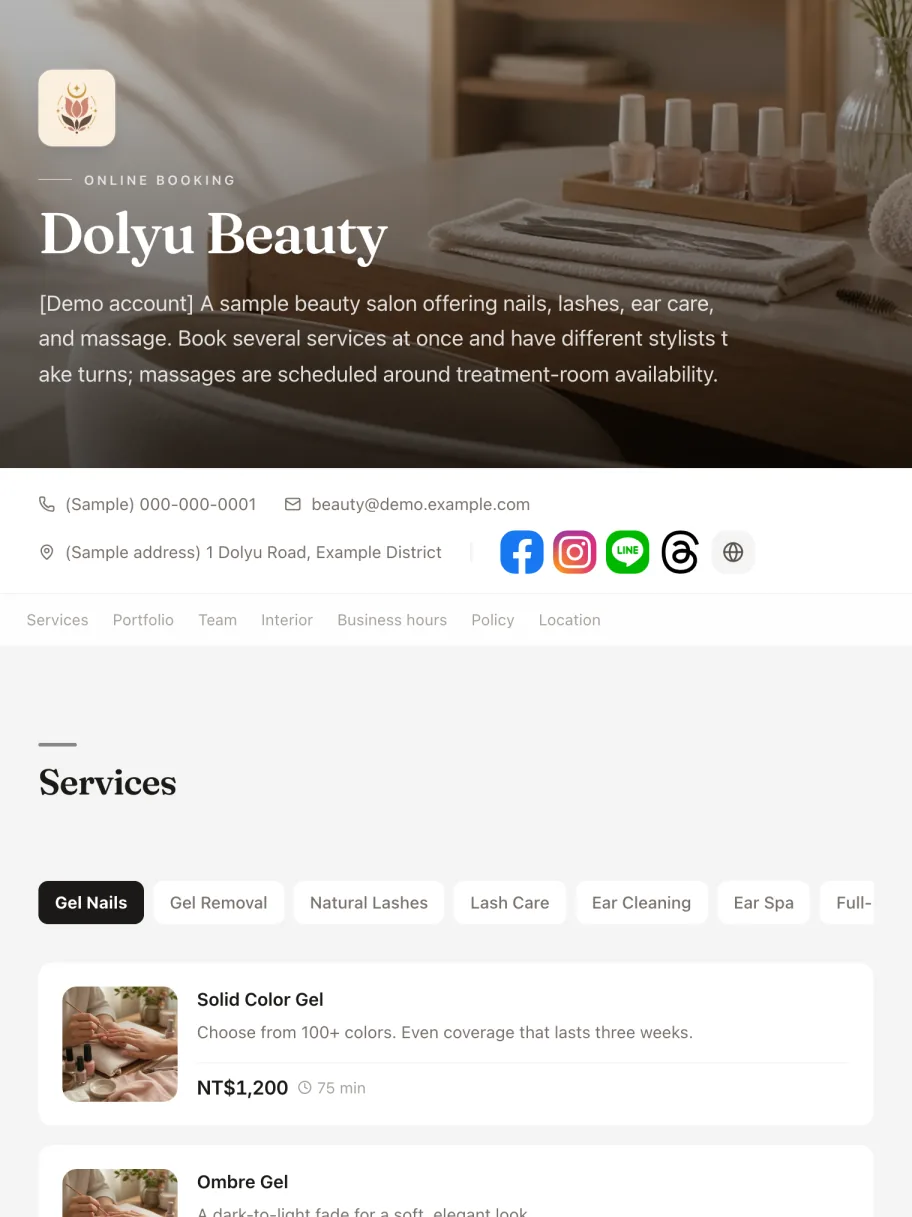

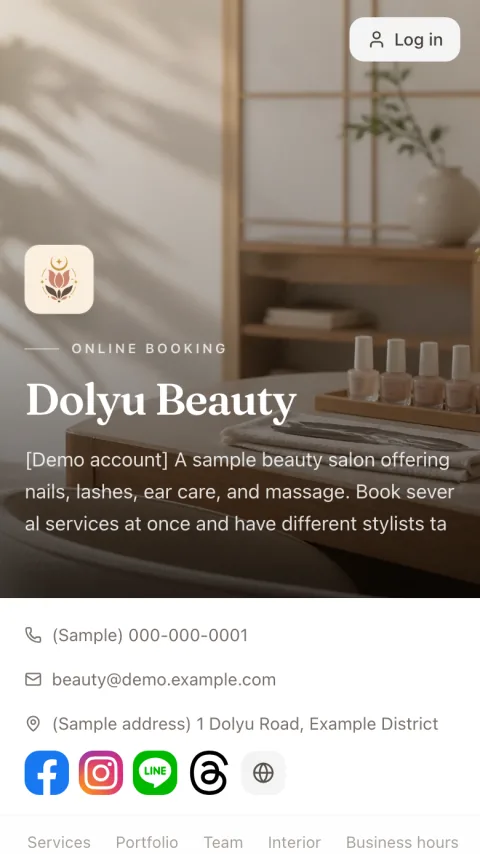
Nails, lashes, and massage
beauty-demo.dolyu.app
Sign in to the dashboard as the business and see how appointments, customers, and reports are managed.
Book as a customer: pick a service and a time, then go through the whole flow.
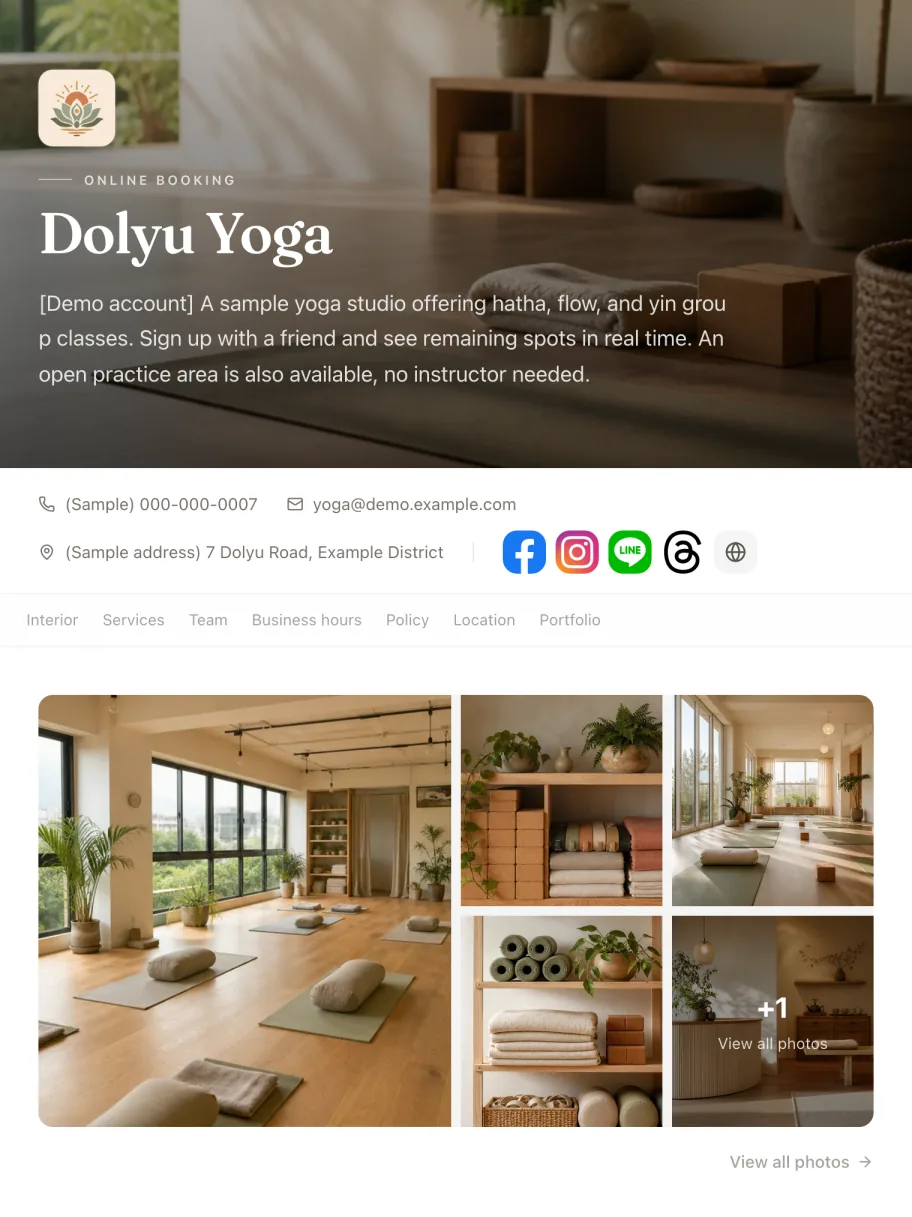

Group yoga classes
yoga-demo.dolyu.app
Sign in to the dashboard as the business and see how appointments, customers, and reports are managed.
Book as a customer: pick a service and a time, then go through the whole flow.
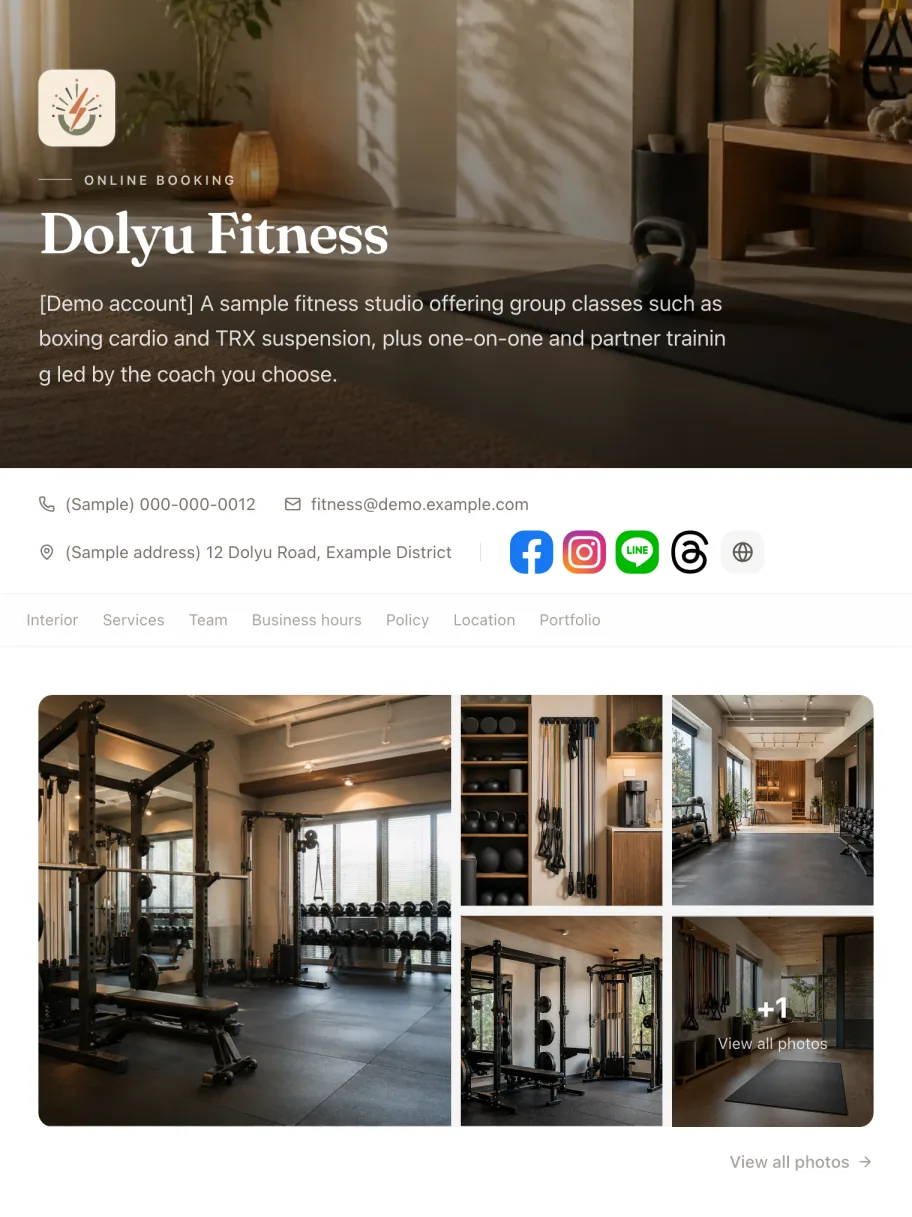

Fitness training
fitness-demo.dolyu.app
Sign in to the dashboard as the business and see how appointments, customers, and reports are managed.
Book as a customer: pick a service and a time, then go through the whole flow.
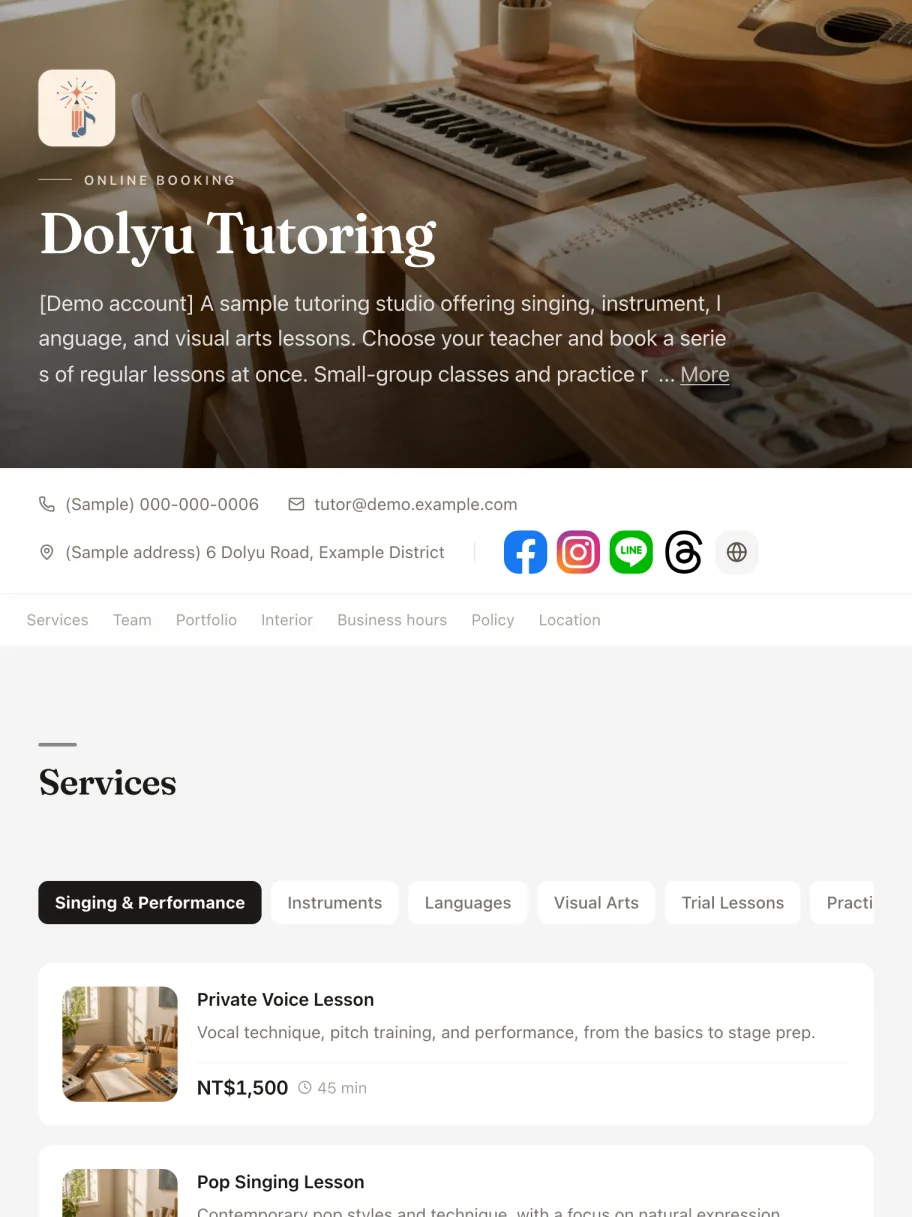

Music, language, and art lessons
tutor-demo.dolyu.app
Sign in to the dashboard as the business and see how appointments, customers, and reports are managed.
Book as a customer: pick a service and a time, then go through the whole flow.
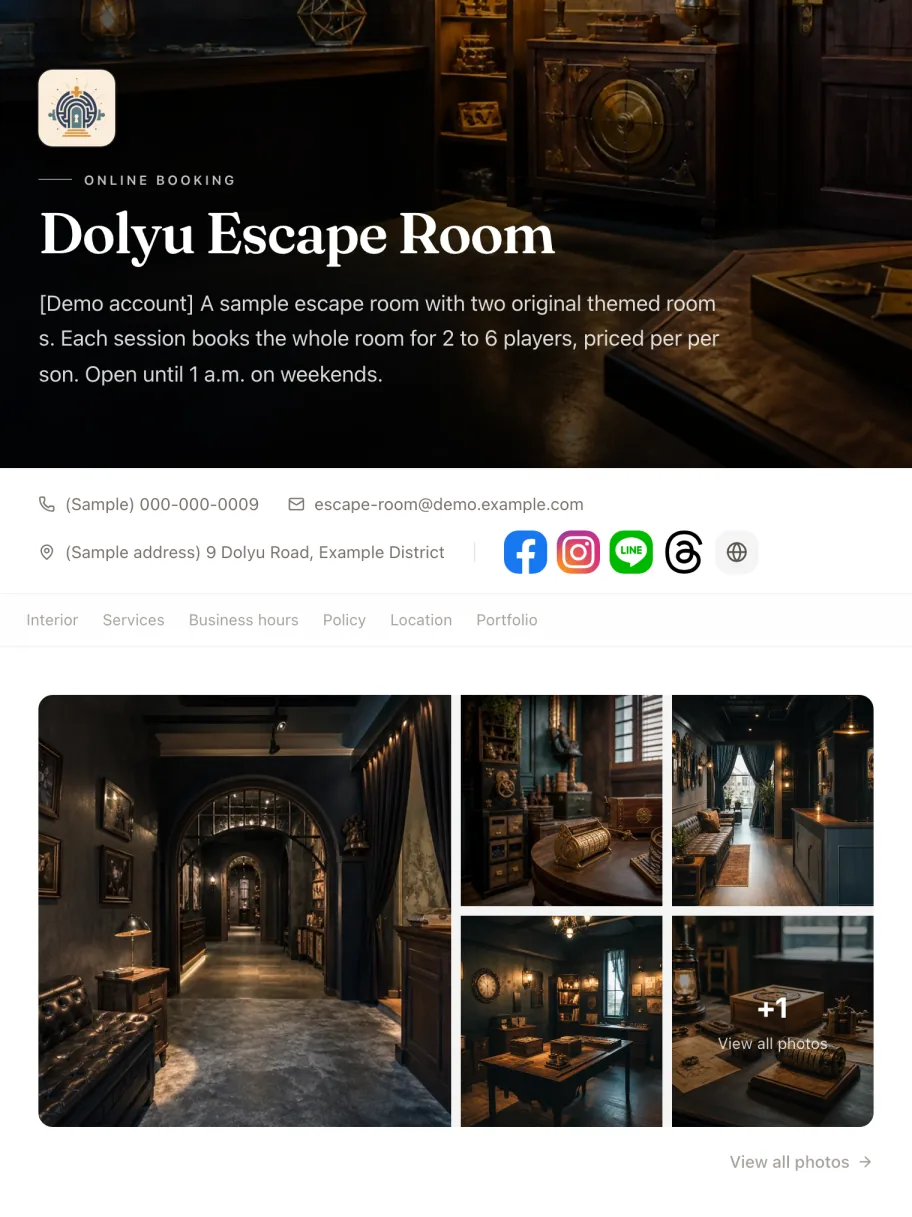

Escape room
escape-room-demo.dolyu.app
Sign in to the dashboard as the business and see how appointments, customers, and reports are managed.
Book as a customer: pick a service and a time, then go through the whole flow.
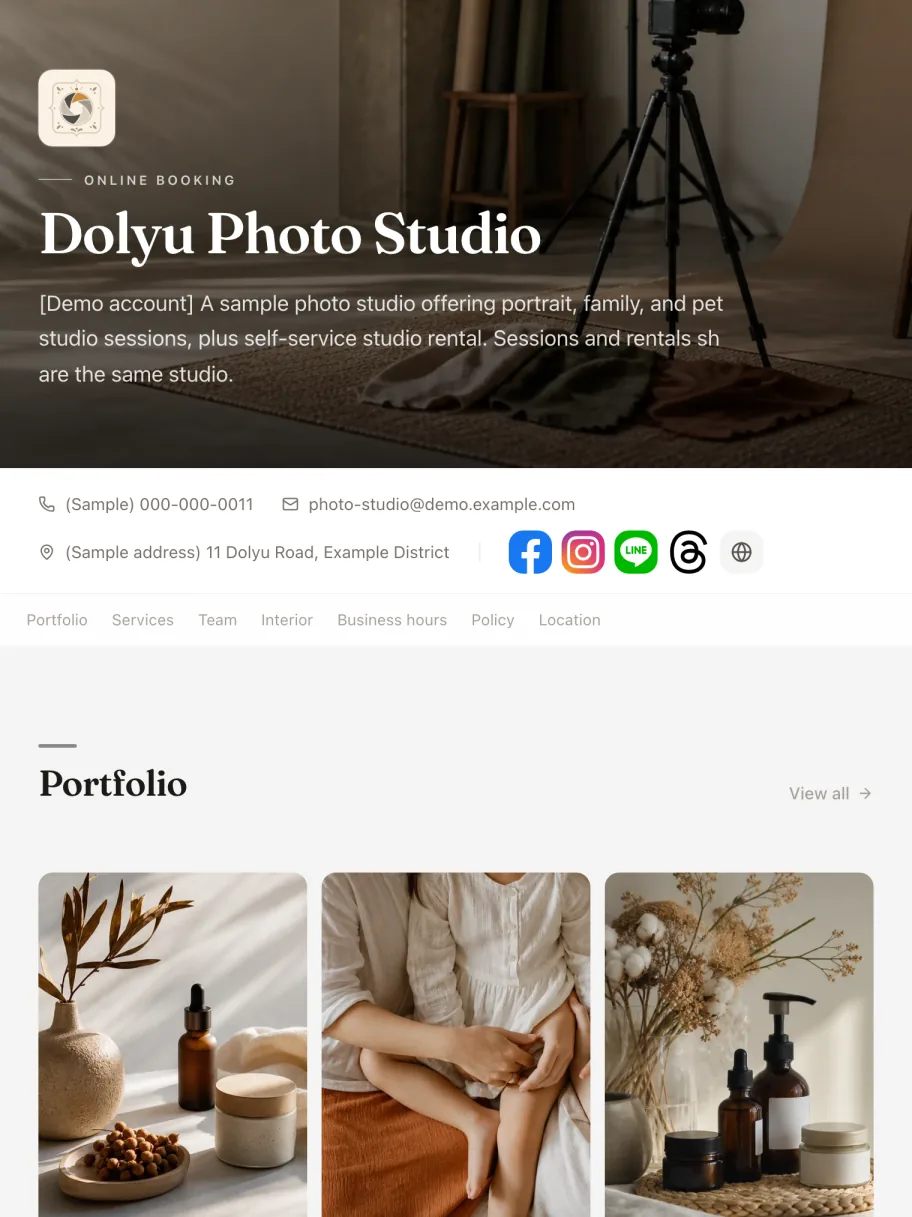

Photo studio
photo-studio-demo.dolyu.app
Sign in to the dashboard as the business and see how appointments, customers, and reports are managed.
Book as a customer: pick a service and a time, then go through the whole flow.
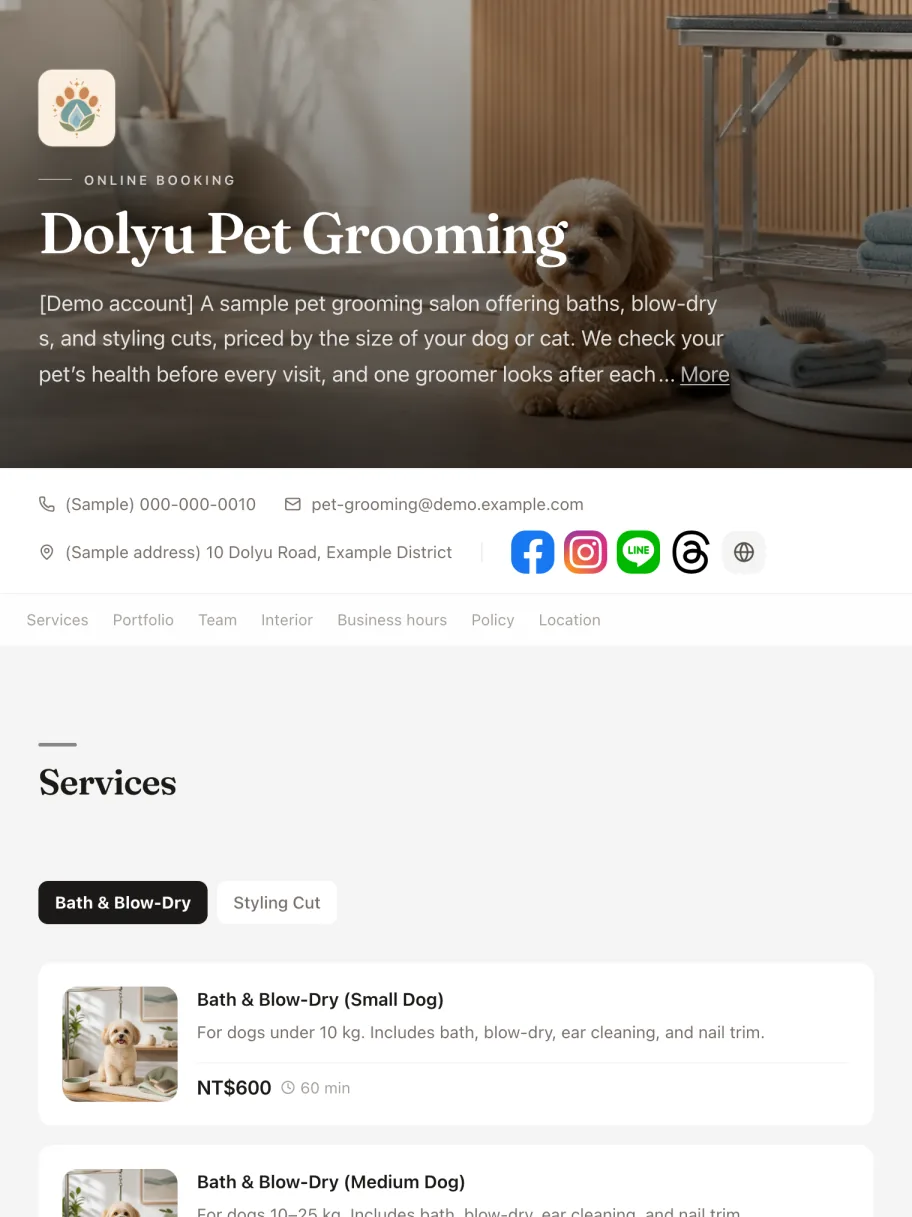

Pet grooming
pet-grooming-demo.dolyu.app
Sign in to the dashboard as the business and see how appointments, customers, and reports are managed.
Book as a customer: pick a service and a time, then go through the whole flow.
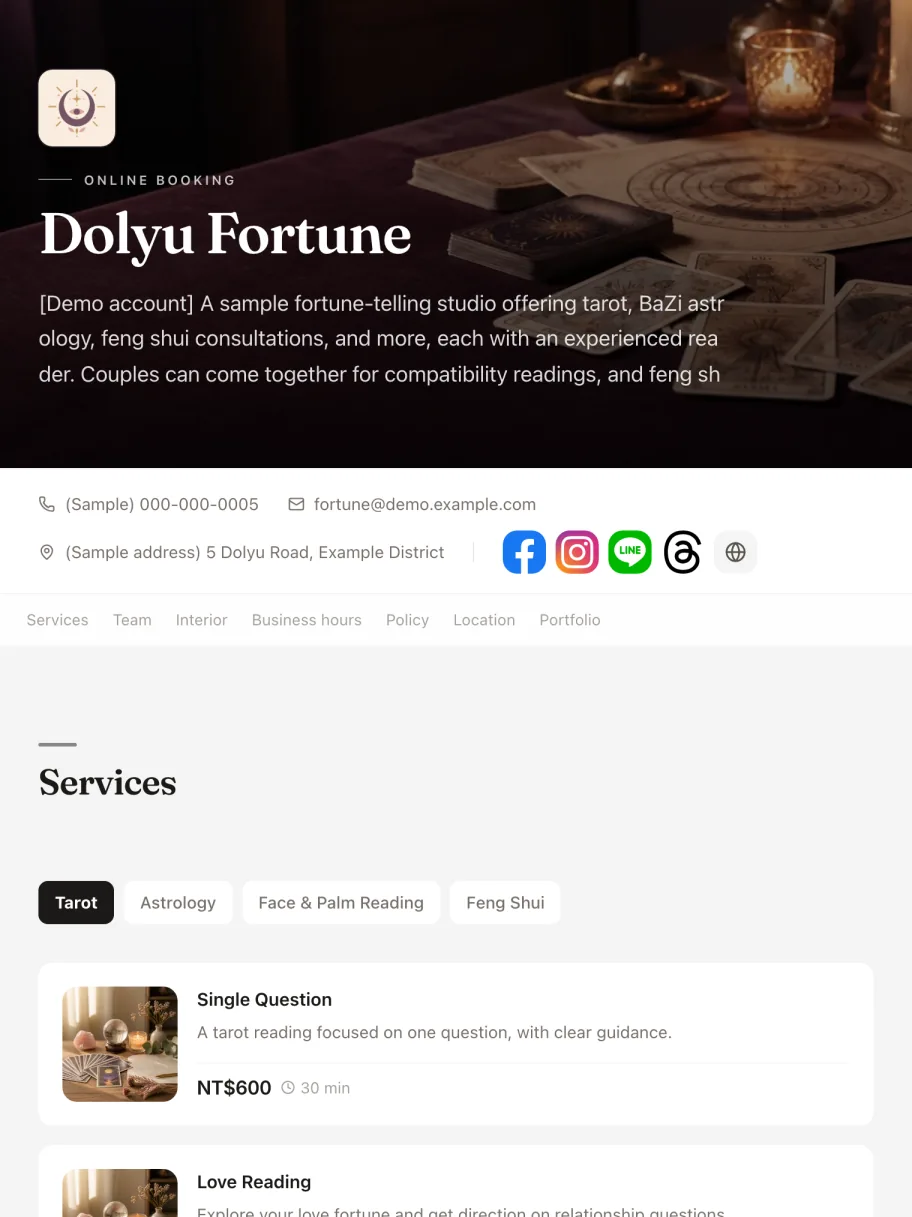

Tarot reading
fortune-demo.dolyu.app
Sign in to the dashboard as the business and see how appointments, customers, and reports are managed.
Book as a customer: pick a service and a time, then go through the whole flow.
05 Pricing
14-day free trial, no credit card required. Billed monthly, no contract, cancel anytime.
Team members
Monthly total
US$15 × 1 · per member / month
Every team member added to your business counts as one seat, including the Owner and Admins. Customers, students, and venues don’t count as seats.
Bookings
Notifications
Business
06 FAQ
How does pricing work? Is there a free trial?
US$15 per member per month. Billed monthly, no contract, cancel anytime.
Sign up for a 14-day free trial with full access to every feature. No credit card required. Want to look around first? Open the demo accounts without signing up.
Do customers need to download an app or create an account?
No app to download. Customers open your branded booking URL (yourbrand.dolyu.app), pick a service and a time, then sign in with LINE, Google, or an email verification code to book. With guest booking turned on, they can book by entering their contact details.
Share the link on LINE, Instagram, or your business card. Once your LINE rich menu is set up, customers tap "Book now" in your LINE chat and land straight on your booking page.
How do I get started? Can I bring my existing data?
Add your services and business hours, then share your booking URL to start taking bookings.
Import customers and services in bulk with a CSV file (Excel and Google Sheets can both save as CSV). Or send us your files, and we'll organize and import them for free.
How does it work with multiple team members?
Each team member has their own schedule, services, and performance stats. Customers can pick a staff member or let Dolyu assign whoever is free.
Admins see data for the whole business. Members see only their own appointments. Pricing is per member.
Can I run group classes or venue bookings?
Yes. For group classes, go to the service settings and set "Bookings each staff member takes at once" to your limit, for example 12 people. Bookings for the same class are counted together, and the slot closes once it’s full.
For spaces with a fixed capacity, such as classrooms, private rooms, or seats, create them as resources and assign one to the service. Multiple services can share the same capacity. Set capacity to 1 for a private booking.
How do I set up LINE notifications and the rich menu?
Connect your LINE Official Account in the Dolyu dashboard, choose a rich menu layout and buttons, and deploy it in one click. Once connected, you manage all rich menu settings in Dolyu.
Booking confirmations, reschedule and cancellation notices, and pre-visit reminders go out automatically. You can also send them by email.
What should I look for in a booking system?
Start with four things: your booking type (one-on-one, group classes, or venue capacity), how the system works with LINE, how it charges, and whether customers have to download an app or add you as a friend to book.
Dolyu has one plan. The branded booking page, LINE rich menu and notifications, group classes and venue capacity, business reports, checkout signatures, and consent documents are all included. The buying guide covers all 6 criteria.
Get started
Customers book on their own and notifications go out based on your settings, so you can get back to your work.
We use cookies to improve your browsing experience and understand how the service is used, including Google Analytics and marketing cookies. You can accept or decline each category. Learn more
Necessary cookies
Required to keep you signed in, remember your language, and keep the site secure. Cannot be disabled.
Analytics cookies
Help us understand how visitors use the platform so we can improve the service. Includes Google Analytics.
Marketing cookies
Used to serve ads relevant to your interests. May be set by third-party marketing platforms configured by businesses (e.g. Meta Pixel).