Booking system buying guide 2026
How to choose a booking system: 6 buying criteria
Get clear on LINE integration, booking types, and pricing first — then pick the system that fits.
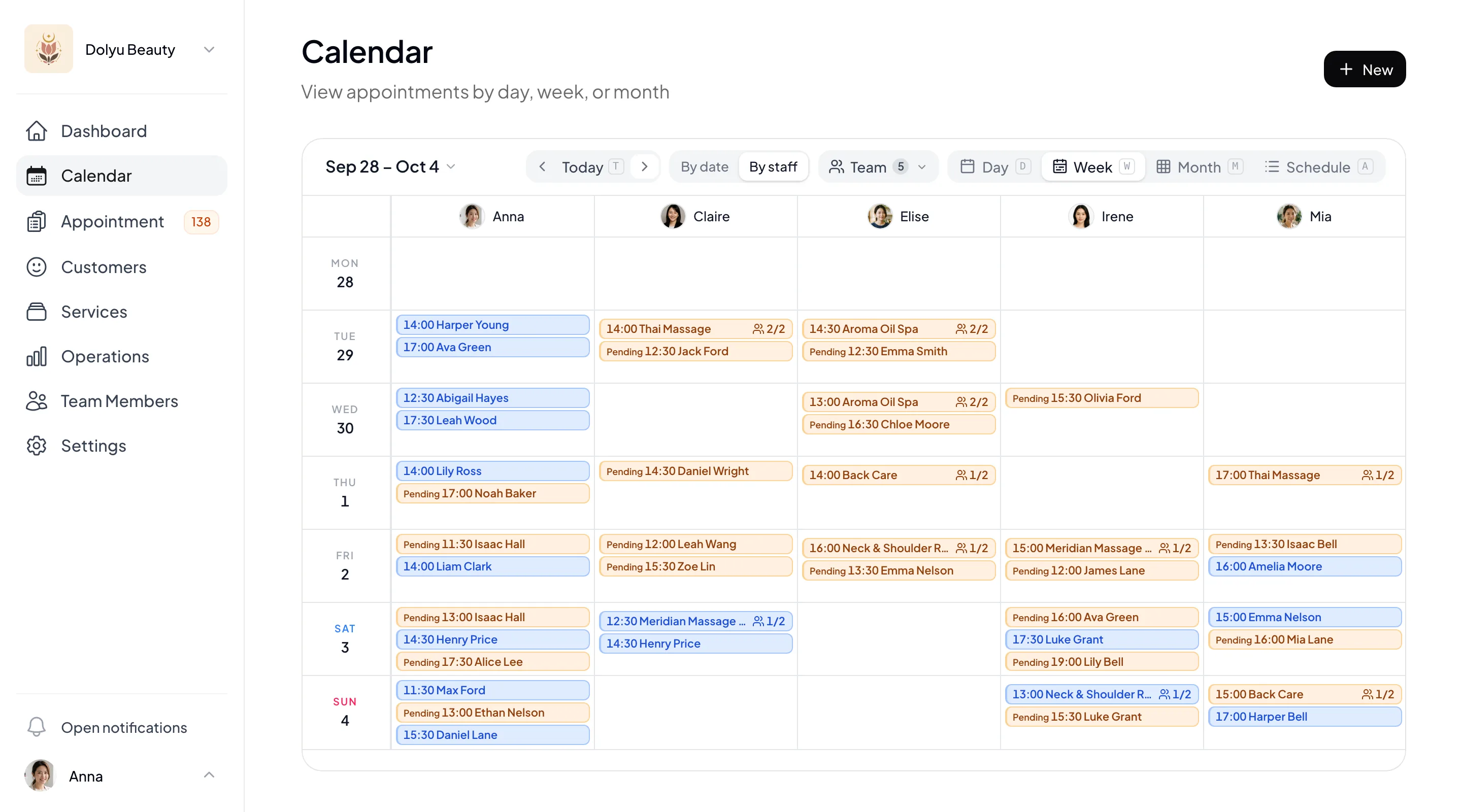
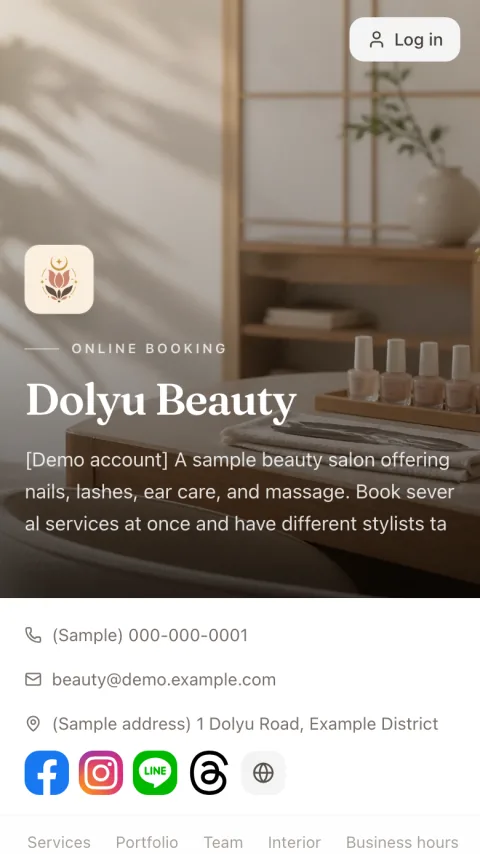
Before you choose a booking system, check 6 things: how it works with LINE, booking types (one-on-one, group classes, venue capacity), pricing structure, how easy it is for customers to book, depth of reports and customer management, and when to move off manual tools. Dolyu is US$15 per member per month. It includes a branded booking page (customers don’t need to download an app or add you as a friend), automatic LINE or email reminders, group classes and venue capacity, business reports, and a 14-day free trial.
01 Buying criteria
6 things to sort out first
-
01
LINE integration: book inside LINE, or a booking page with LINE notifications?
For businesses whose customers chat on LINE, booking confirmations and pre-appointment reminders sent as LINE messages are a common feature in booking systems. What to check is how LINE is integrated: the entire booking flow inside LINE (customers must add you as a friend first), or a standalone branded booking page with LINE notifications (customers can also book directly from Google or Instagram). The first suits businesses engaging their existing LINE friends. The second also works for customers who find you through search and social media.
-
02
Booking type: one-on-one, group classes, or venue capacity?
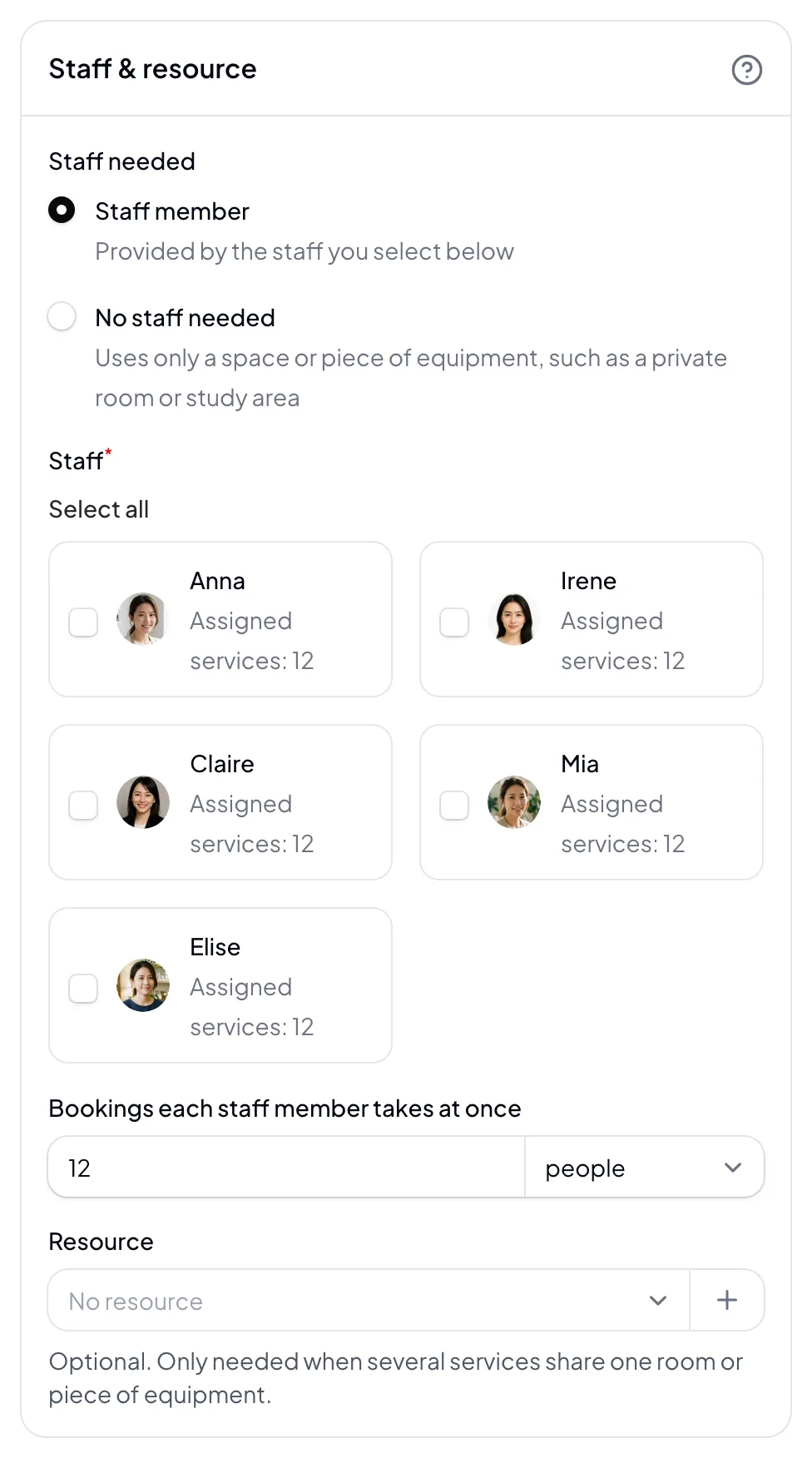
A one-on-one booking only needs to check a staff member’s schedule. A group class needs to track the total headcount for each class. Private rooms, classrooms, and seats need a limit on how many are available. List your booking types first. Then check whether the system verifies capacity when a customer submits a booking, whether multiple services can share the same space, and whether pricing is per team member or per student or booking.
-
03
Pricing structure: flat monthly fee, commission, or usage-based?
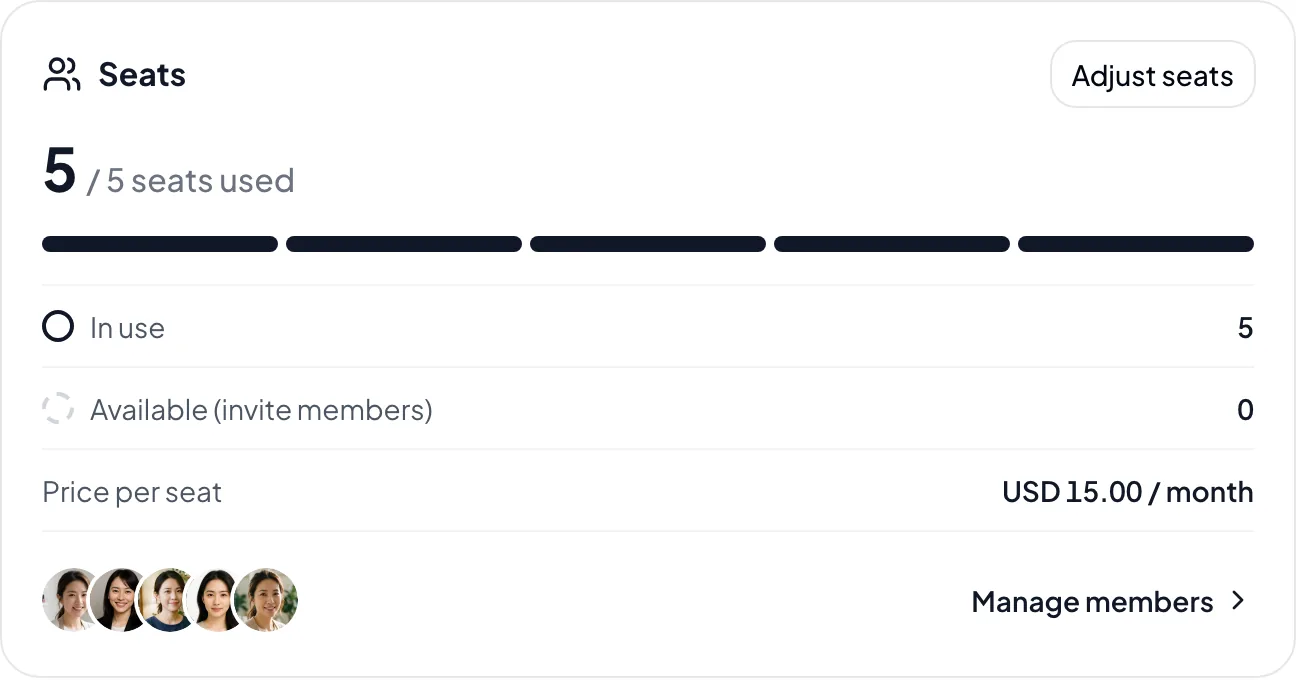
Three pricing models are common: flat monthly fees (predictable costs), per-booking commissions (costs climb fast at volume), and usage-based billing (by message or booking count). Factor in your peak season — a low monthly fee plus commission can end up costing more than a flat fee. Also check how LINE message fees are charged.
-
04
Do customers need to download an app or add you on LINE?
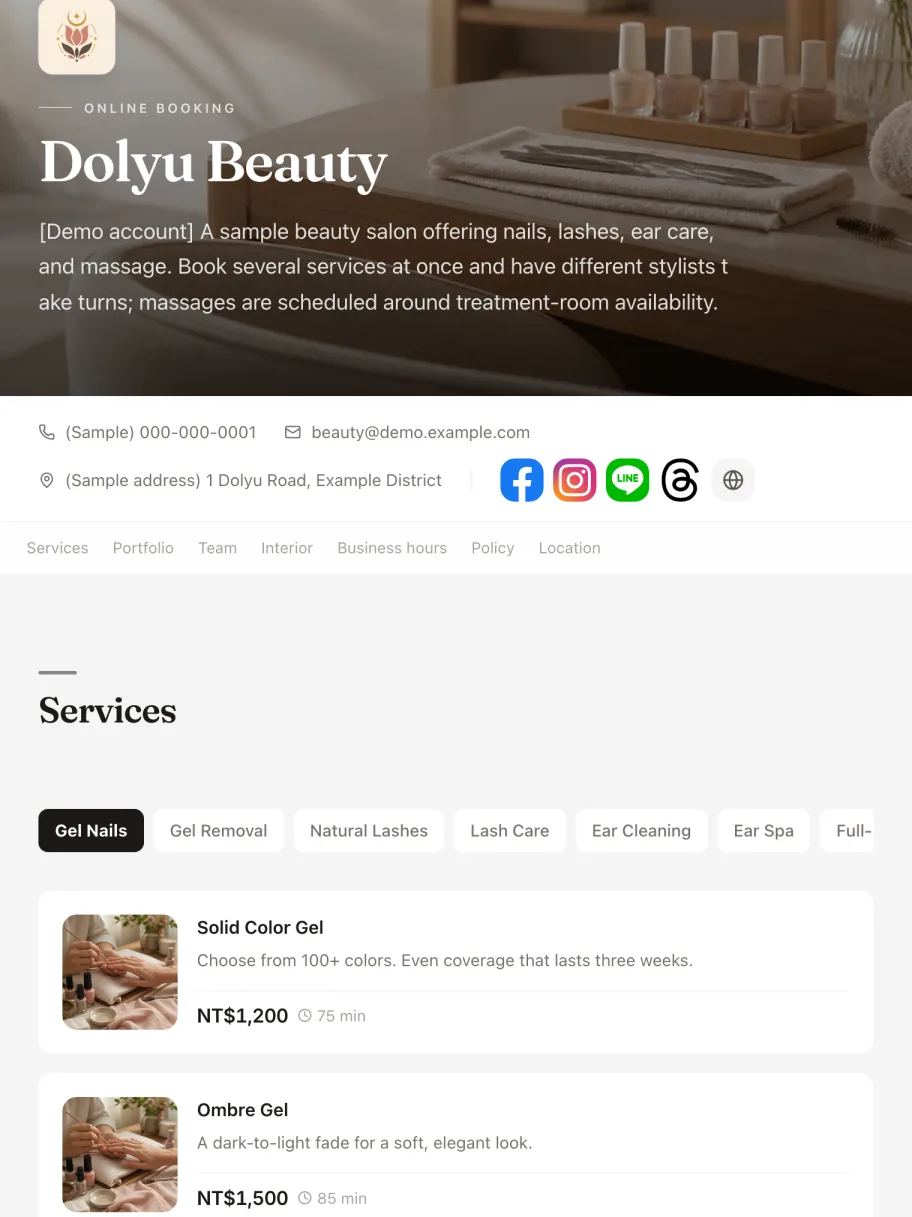
Every extra step costs you bookings. Requiring customers to download an app or add you on LINE before they can book is a barrier for new customers, older customers, and international customers. With a web booking page, there’s nothing to download, and customers book from a link. Reminders arrive by LINE or email.
-
05
Depth of reports and customer management
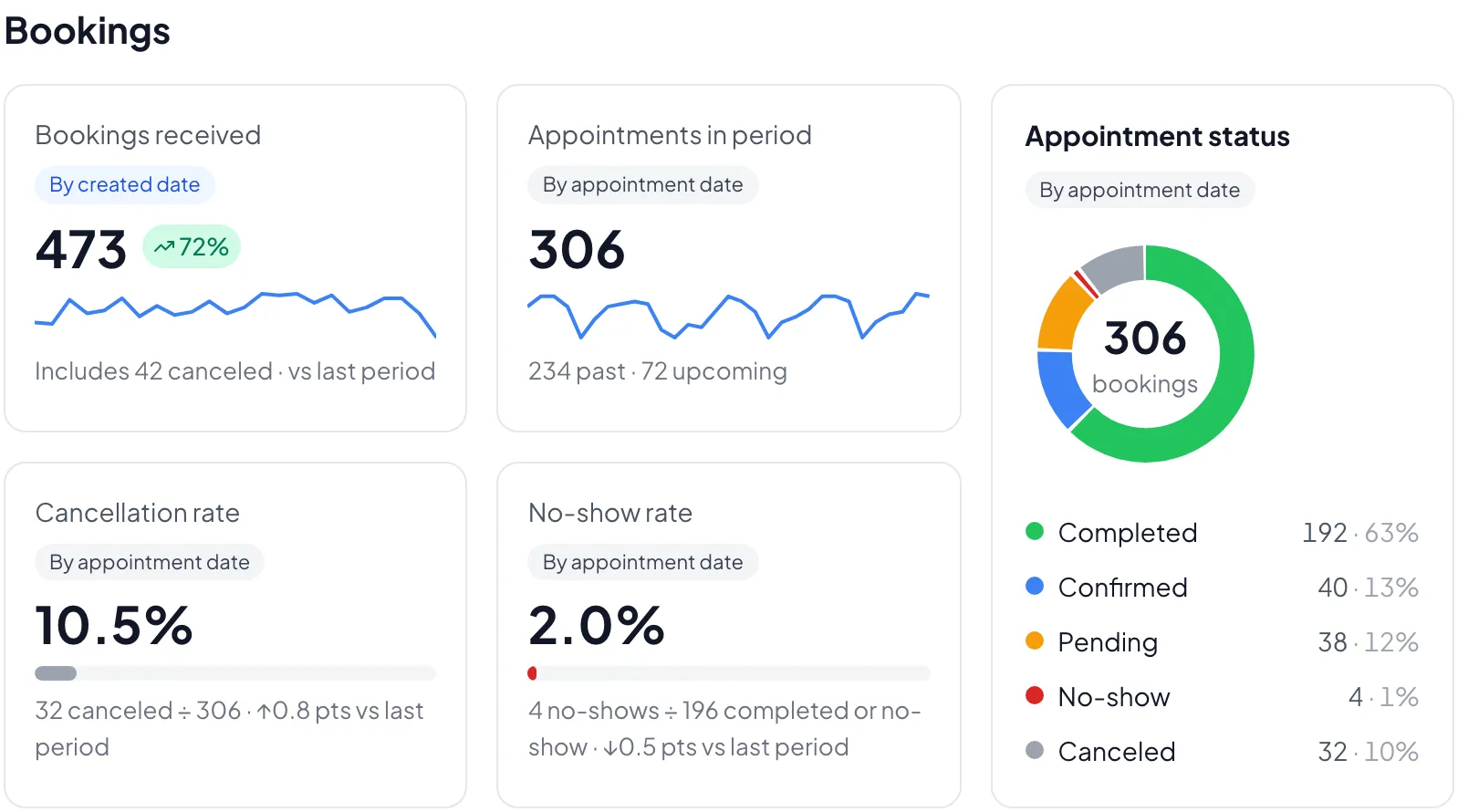
A booking system should do more than take bookings. Which service earns the most, which customer is due for a return visit, how high your cancellation and no-show rates run — reports and a CRM are the only way to see any of this. Check whether the system offers analytics by service, staff, and customer, and whether customer data can be fully exported, so you’re not locked in if you ever switch.
-
06
When should you upgrade from Google Forms and manual tracking?
With only a few bookings a month, Google Forms plus a calendar can work. As bookings grow, manually confirming, reminding, and rescheduling takes more of your time — and without automatic reminders, forgotten appointments become more common.

02 FAQ
Buying guide FAQ
More questions? Get in touch.
Yes — some systems offer free plans; what’s included varies by system. A free plan is a good way to find out whether your customers will book online; once you need automatic reminders, reports, or team scheduling, it’s time to look at paid plans. Dolyu offers a 14-day free trial with every feature included, no credit card required.
No single system fits every business. It depends on your booking types, where your customers come from, and how the pricing works for you. Use the 6 criteria above to list your must-haves, then run a real booking flow on a free trial. If you need a branded booking page, a flat fee, and a booking page in Traditional Chinese, English, and Japanese, Dolyu covers all three: US$15 per member per month, with a 14-day free trial.
Start by separating the two approaches. One runs the entire booking flow inside LINE, and customers must add you as a friend first. The other pairs an independent branded booking page with automatic LINE notifications, so customers can book from a Google search, Instagram, or any browser while LINE handles confirmations and reminders. If most new customers find you through search and social media, the second approach lets them book without adding you as a friend first.
Start with the pricing model: a flat monthly fee, a per-booking commission, or billing by message or booking count. Then add the costs that are easy to miss: commissions, LINE message fees, and setup fees. Dolyu is US$15 per member per month, with no commission, no setup fee, and monthly billing with no contract. LINE notifications use your own LINE Official Account’s message quota, and Dolyu doesn’t charge extra for them.
It depends on volume. With only a few bookings a month, Google Forms and manual confirmation can keep up. As bookings grow, confirming, reminding, and rescheduling by hand takes more of your time — and without automatic reminders, customers are more likely to forget their appointments (no-shows).
The key question is whether your customer data can come with you. First, check that your current system can export your customer list. Dolyu can import your customer data. Once you've set up your services and time slots, you can start accepting bookings. We recommend running both systems in parallel for a week or two during the trial. New bookings go through the new system, while existing appointments finish as usual. Switch over fully once the flow feels right.
Three highlights. First, a branded booking page: customers book from any device through a link, without downloading an app or adding you on LINE, and you can show your portfolio. Second, a flat fee: US$15 per member per month with every feature included, no commission, billed monthly with no contract. Third, flexible booking types: one-on-one, group classes, and venue capacity are all configurable, backed by business reports and customer management.
Resources
Explore more
- Full feature overview Online booking, LINE integration, CRM, and full business reports
- Pricing & plans US$15 per member per month, all features, billed monthly, no contract
- Booking systems by industry Solutions for all kinds of appointment-based businesses
- Free business tools Revenue calculator, price list generator, and LINE rich menu maker
Get started
Try Dolyu with your own booking flow for 14 days
Customers book on their own and notifications go out based on your settings, so you can get back to your work.
- US$15 per member per month, no per-feature fees
- 14-day free trial, no credit card required
- Billed monthly, no contract
