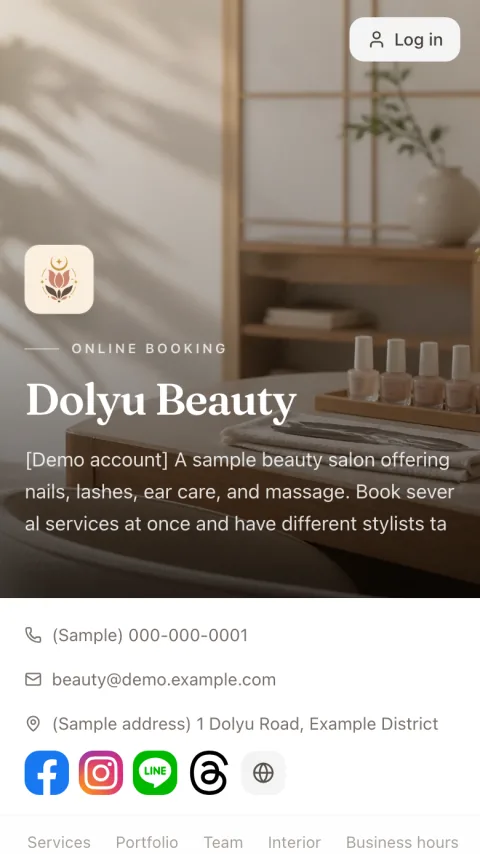
Online consent forms
Consent forms signed online at booking
Upload your existing consent forms, contracts, or policies. Customers read them before submitting a booking, then sign by hand or check a box to confirm. Each signing records the document version, signature, and time.
- Consent forms are completed online with the booking
- Paperless
- Customers sign right on the booking page
- No app needed
- Returning customers reuse their signature for the same version
- Sign once
- Version, signature, and time recorded
- Signature records
01 Create documents
Use the paper forms you have, or type your own
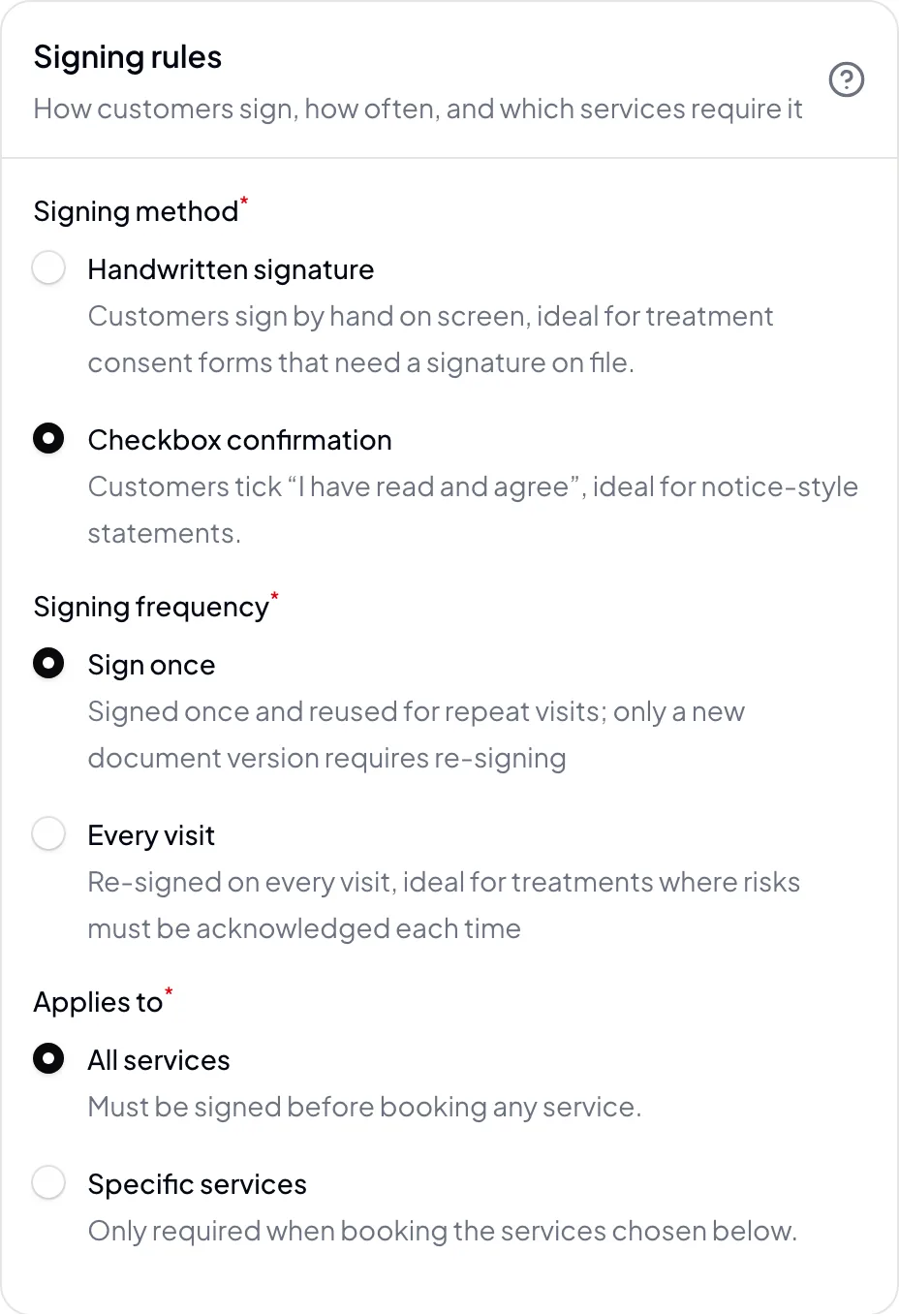
Upload a PDF or image, or write the content in the editor. Set a signing method and applicable services for each document. Documents have three states: draft, live, and archived. Only live documents appear in the booking flow.
- PDF, image, or text content
- Handwritten signature or checkbox confirmation
- Apply to all services or specific ones
- Draft, live, and archived states
02 Customer signing
Customers read and sign before they book
Customers see the applicable documents at the last step of booking. They expand and read each one, then sign or check the box to submit. When a document is set to “Sign once”, signed-in returning customers reuse their signature for the same version, so they don’t have to sign again.
- Read first, then sign
- Sign every time, or once per version
- Returning customers reuse existing signatures
- Checked against the latest version on submit
03 Signature records
Version, signature, and timestamp all kept
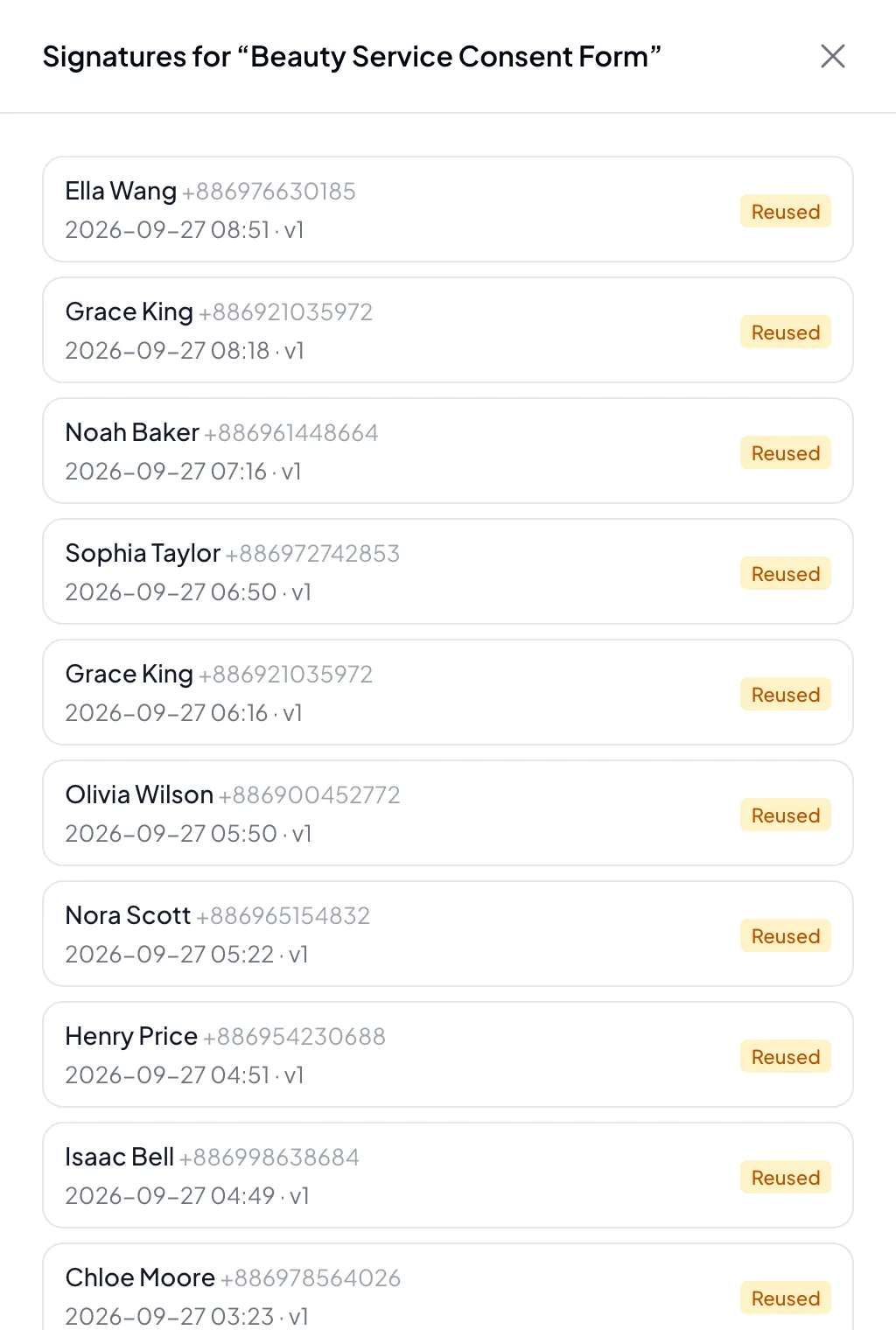
Editing a live document’s content creates a new version, and customers sign the new version. Each signature records the document version, signature image, and time of signing. View them from the appointment or the document.
- Editing content creates a new version automatically
- View signatures from the appointment or the document
- Signature image and timestamp
04 At a glance
Key features,
all in one place
Ready from day one. Everything’s included in the plan, with no add-ons.
- Documents
- Upload an existing PDF or image, or write the content in the dashboard.
- Signing method
- Handwritten signature or checkbox, depending on the document.
- Signing frequency
- Sign once and reuse it, or sign again at every visit.
- Applicable services
- Apply to all services, or only the ones that need it.
- Versions
- Editing the content creates a new version automatically, and customers sign the new version.
- Signature records
- Document version, signature, and time, viewable from the appointment or the document.
05 Industries
Industries that commonly use online consent forms

Brow & PMU
Before microblading or powder brows, confirm the service notes and aftercare guide with a handwritten signature on file.

Skincare & Facial
Service notes, set to be signed again at every visit.

Massage
Customers confirm the service notes with a checkbox.

Spa
Oil use and service notes; returning customers don’t re-sign the same version.

Pet Grooming
Owners confirm their pet’s condition and care notes with a handwritten signature before grooming.

Yoga & Pilates
Class notes that students sign once.
06 FAQ
Online consent forms
FAQ
No. Customers sign on the booking page before they submit their booking. On a phone, they sign with a finger.
Editing a live document creates a new version. Customers sign the new version at their next booking, and earlier signature records stay intact.
Yes. Each document can apply to all services or only the ones you choose. You can also pick which documents to sign from a service’s edit screen.
Yes. When you check out in the dashboard, you can ask customers to sign to confirm. This is a separate feature from consent forms at booking.
Each document is signed once. Customers see the documents that apply to the services they booked, one after another, and each document appears only once however many services they book.
Resources
Explore more
- Booking forms Customers fill in the details you need when they book
- Appointment reminders & no-show management Two reminders, cancellation deadlines, and automatic blocking for no-shows
- Customer records & points Customer profiles, notes with photos, tags, and points
- Scheduling & staff selection Weekly hours, time off, shift changes, and automatic staff assignment
- LINE integration One-click rich menu deployment and a range of automated notifications
- Pricing & plans US$15 per member per month, all features, billed monthly, no contract
Get started
Try Dolyu online consent forms for free
Customers book on their own and notifications go out based on your settings, so you can get back to your work.
- US$15 per member per month, no per-feature fees
- 14-day free trial, no credit card required
- Billed monthly, no contract