Music Lessons Booking
Music teacher booking system — students self-book, practice progress always on record
Piano, guitar, ukulele, violin: every student is at a different level, and trial and regular lessons run different lengths. Keeping schedules by hand and confirming times over LINE eats into your prep time. With Dolyu, each instrument course type gets its own duration and price, and students book on their own. After each lesson, add practice tips or a link to a recording to build a learning history for every student.
From solo music teachers to multi-teacher instrument studios, one booking link handles scheduling for every course type, so you can spend more time on music.
- Booking type: One-on-one, Group classes & small groups, Private bookings & venues
- US$15 per member per month, 14-day free trial
- Try the demo business, no sign-up

Three common challenges for music teachers
-
01
Many instrument types make scheduling messy
Give piano, guitar, and ukulele their own duration and price on one shared teacher schedule. Students pick the lesson type and time themselves.
-
02
Renting out the piano room when it’s free
Set the practice room up as a resource: one booking takes the whole room, with no teacher assigned.
Learn about Class & group booking -
03
Not knowing a student’s level before the first lesson
Students share their experience and the pieces they want to play at booking, so you can prepare before class.
Learn about Booking forms
Dolyu is an online booking management system built for music teachers. Students book classes on their own through LINE or your booking page, with no app to download. Set capacity separately for one-on-one and small-group classes, and let students book multiple time slots at once. Reminders go out automatically before class, and you can record progress after. US$15 per member per month, all features included, billed monthly with no contract.
01 Demo business
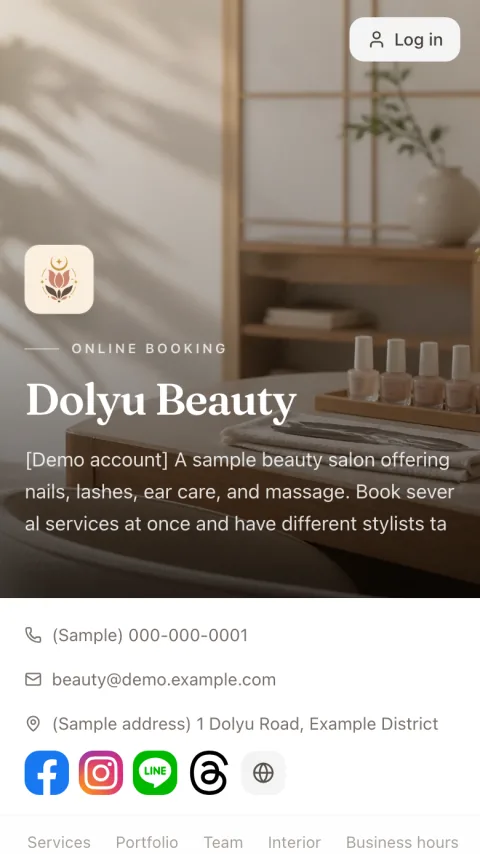
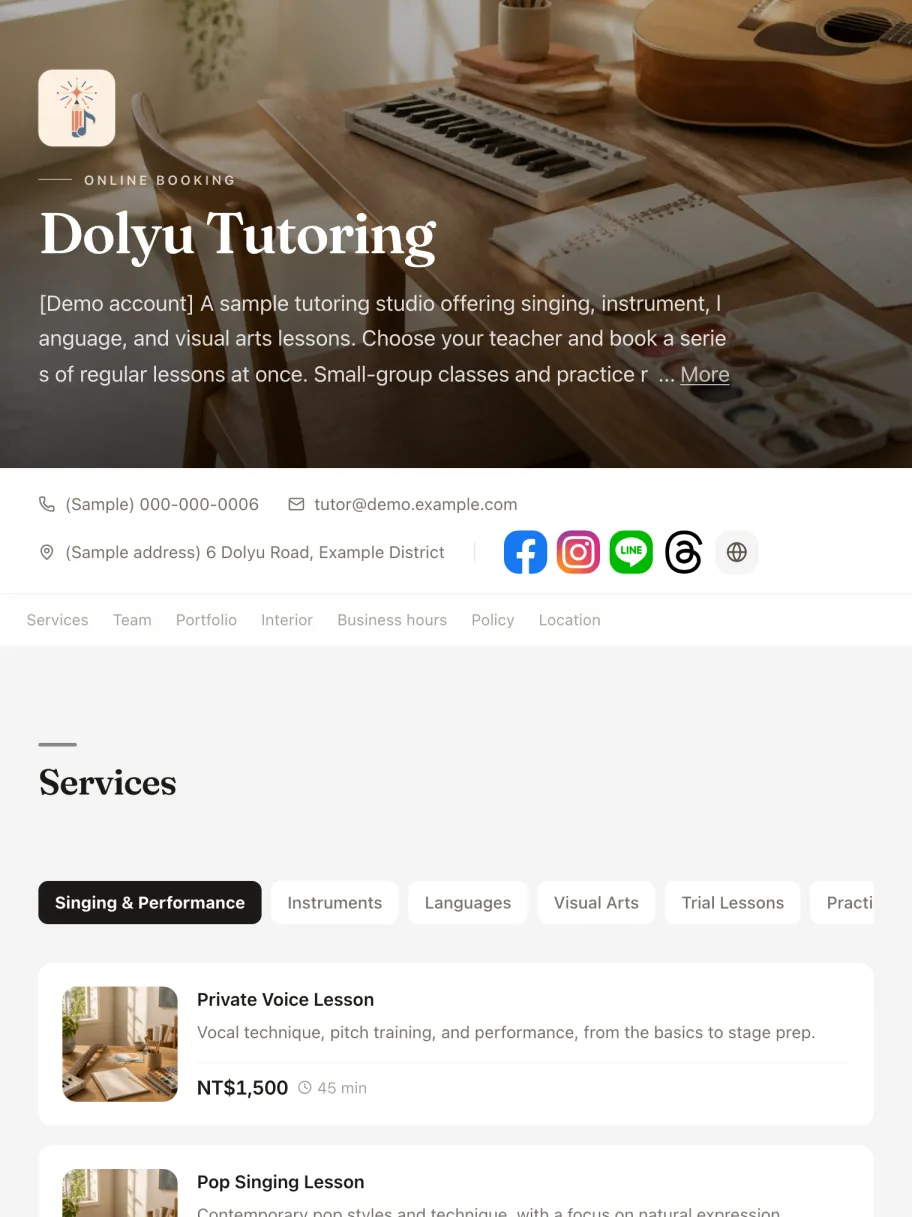
Try the “Music, language, and art lessons” demo business
The demo business comes with services, staff, business hours, and capacity already set up. Book as a customer on the booking page, then open the dashboard to see how bookings come in, how scheduling works, and how checkout is recorded. No sign-up needed.
02 Key features
Features designed for music teachers
-
01
Separate course types for each instrument
Give piano, guitar, and ukulele lessons their own duration and price, with trial and regular lessons kept separate. Students choose a course type as they book.
-
02
Pre-lesson and final LINE reminders
You set the timing for the pre-lesson reminder and the final reminder. Fewer forgotten lessons, steadier attendance.
-
03
Post-lesson practice notes
After each lesson, log key practice points and the passages to work on, and attach a link to a demo video. Pull it all up in one tap before the next lesson.
-
04
Booking & cancellation rules
Set your minimum notice, booking window, cancellation deadline, and reschedule limit to protect your open slots from last-minute cancellations.
-
05
Group classes and practice room rentals
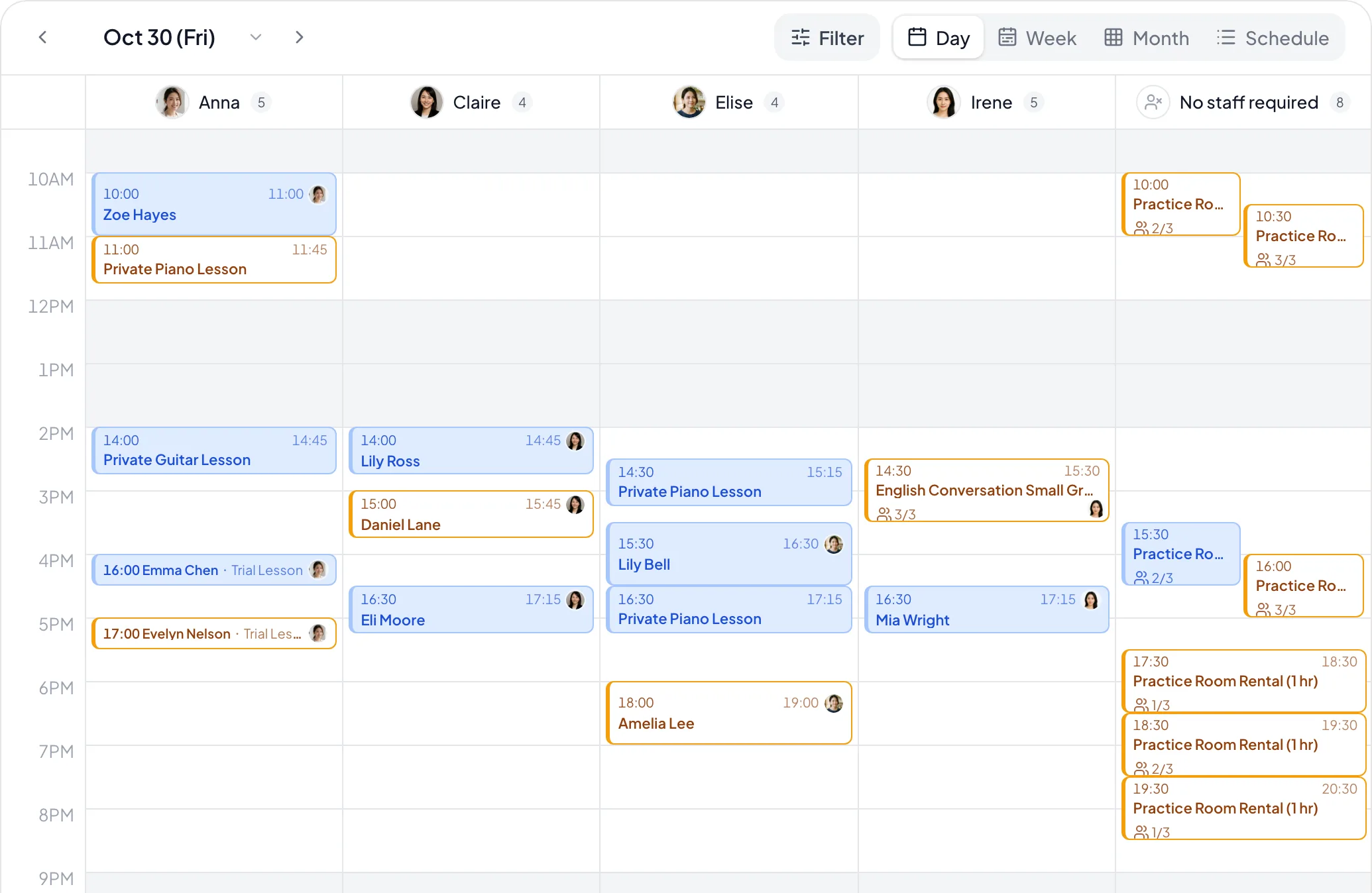
Set a headcount limit for children’s music intro classes under “Bookings each staff member takes at once”. Practice room rentals need no staff: set the room up as a resource and select “Per booking”. One booking reserves the whole room, and a capacity of 1 makes it a private booking.
-
06
Branded booking page
Your own booking link brings together lesson descriptions and teacher bios. Share it on Instagram, your LINE Official Account, or your website, and students tap through to book.
03 Common scenarios
How music teachers use Dolyu
-
01
Solo music teacher
Set up piano, guitar, violin, and other course types separately, with trial and regular lessons managed on their own. Students book themselves, and post-lesson notes track each student’s practice and progress.
-
02
Instrument studio
Each teacher manages the instruments they teach and their hours. Students book with the teacher they choose, and the studio sees all scheduling and monthly revenue in one place.
-
03
Children’s music program
Parents book trial instrument lessons for their children, and Dolyu sends LINE reminders. After each lesson, teachers note key learning points.
-
04
Children’s music intro classes & room rental
Intro classes cap headcount with “Bookings each staff member takes at once”. Practice room rentals need no staff and are counted “Per booking”, so one booking reserves the whole room.
04 FAQ
Questions about booking systems for music teachers
Have other questions? Email support@dolyu.com.
Yes. Each course type has its own name, duration, and price, such as a 45-minute piano trial or a 60-minute regular guitar lesson.
Yes. Give trial lessons a shorter duration and a lower price, and schedule regular lessons separately. Students pick the course type when they book, giving them a clear path from trial to regular lessons.
Yes. Give each course type its own name, such as “Children’s Piano Intro” or “Adult Pop Piano”, plus its own duration and price. Students or parents choose what fits, so bookings stay organized.
No. Parents open your own booking link, pick a course type and a time slot, sign in with LINE, Google, or an email verification code. There’s nothing to install. With guest booking turned on, they can book without signing in.
Use the notes field on each appointment to log key practice points and passages to work on. You can also add a link to a demo video. Check them before the next lesson.
Each teacher sets the instrument course types they teach and their hours. Students can book with a specific teacher, and studio managers see every teacher’s schedule and performance in one place.
Put it in your Instagram bio, LINE Official Account menu, Google Business Profile, website, or business cards. Students tap it and go straight to your branded booking page.
Yes. Dolyu focuses on booking management, LINE reminders, and post-lesson notes. It’s simple to use, so independent teachers and small studios can get started quickly.
Yes. For intro classes, set a limit under “Bookings each staff member takes at once” in the service settings, such as 8 people. Bookings for the same class add up automatically. For room rentals, select “No staff needed” and set up the room as a resource counted “Per booking”. A capacity of 1 makes it a private booking.
05 More industries
Explore other industries
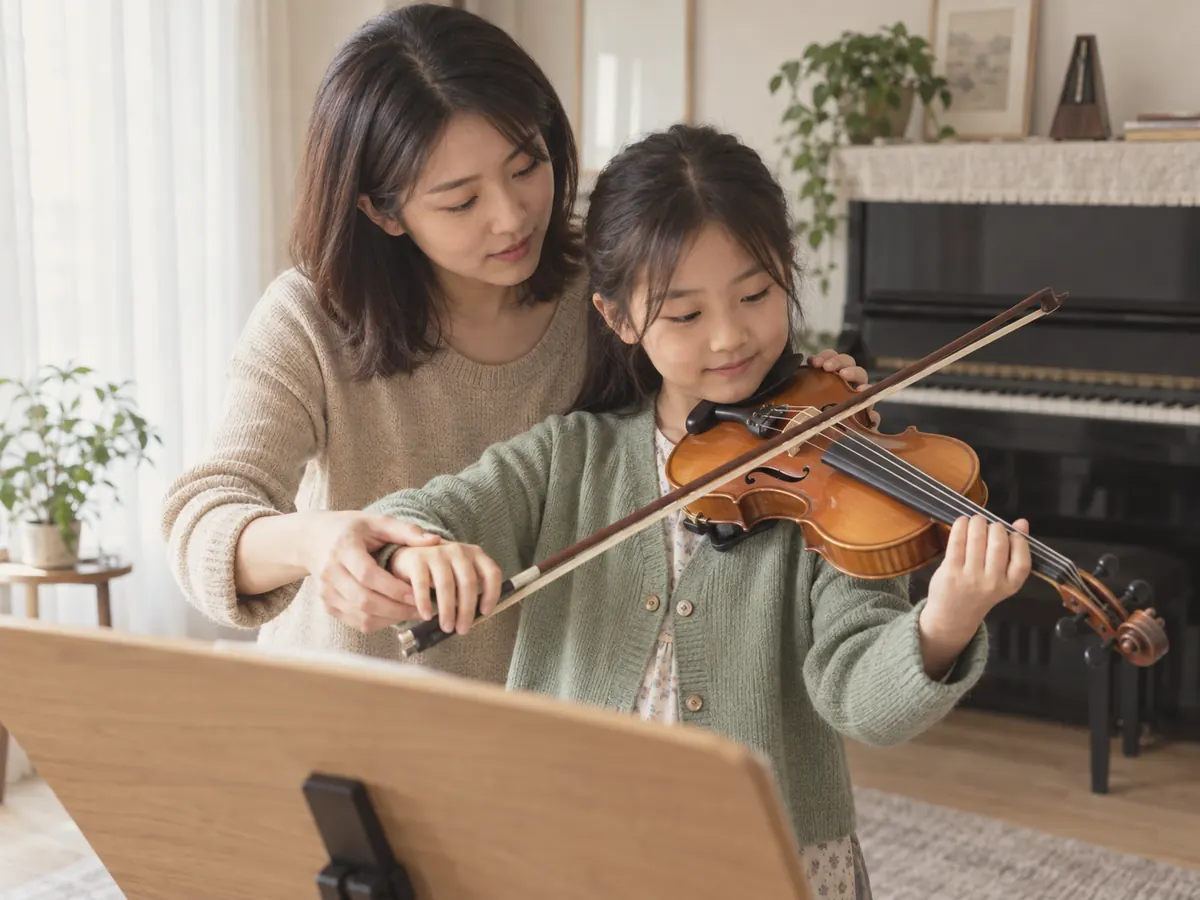
Tutoring & Lessons
Student self-booking, automatic reminders, and post-lesson notes, so tutors can focus on teaching instead of admin

Vocal & Singing Lessons
Custom course types for classical voice, pop singing, children’s singing, and more, with self-booking and post-lesson vocal training notes
Dance Classes
Online class sign-up, automatic reminders that reduce absences, student records, and rebooking reminders, so dance teachers can focus on teaching
Language Tutoring
Custom course types for English, Japanese, French, and more, with self-booking, LINE lesson reminders, and post-lesson progress notes

Art & Craft Classes
Drawing, sketching, children’s art, and more — set up each lesson type your way, let students book themselves, and keep post-lesson learning notes

Massage
Available times based on service length, customer notes, and rebooking reminders. Take bookings mid-session and avoid double bookings online
Resources
Explore more
- Class & group booking Per-class capacity, student rosters, shared rooms, and per-person pricing
- Booking system buying guide 6 criteria for choosing the right booking system
- LINE integration One-click rich menu deployment and a range of automated notifications
- Pricing & plans US$15 per member per month, all features, billed monthly, no contract
- Free price list generator Create a service price list online and download it in high resolution
Get started
Start using Dolyu for music teachers
Customers book on their own and notifications go out based on your settings, so you can get back to your work.
- US$15 per member per month, no per-feature fees
- 14-day free trial, no credit card required
- Billed monthly, no contract