Tutoring & Lessons Booking
Lesson booking for tutors — students pick their own time slots
Scheduling back and forth on LINE, keeping your schedule by hand, students forgetting lessons — this admin eats into your lesson prep time. Dolyu lets students choose a lesson type and time slot and book online. LINE lesson reminders go out automatically, and you can record key learning points right after each lesson.
Whether you teach languages, academic subjects, instruments, or any other skill, one booking link handles scheduling and gives you your time back for teaching.
- Booking type: One-on-one, Group classes & small groups
- US$15 per member per month, 14-day free trial
- Try the demo business, no sign-up

Three common challenges for tutors and lesson teachers
-
01
Scheduling means back-and-forth on LINE
Students choose a lesson type and time slots on the booking page, and can submit 2 to 20 slots at once. You and the student both get notified.
-
02
Students forget lessons or cancel last minute
Two reminders go out before class on the schedule you set. Cancellations and reschedules have a deadline; once it passes, students can’t cancel on their own.
Learn about Appointment reminders & no-show management -
03
Asking about each student’s level again and again
Students enter their grade, level, and what to work on when they book. For returning students, their previous answers are filled in.
Learn about Booking forms
Dolyu is an online booking management system built for tutors and lesson teachers. Students book classes on their own through LINE or your booking page, with no app to download. Set capacity separately for one-on-one and small-group classes, and let students book multiple time slots at once. Reminders go out automatically before class, and you can record progress after. US$15 per member per month, all features included, billed monthly with no contract.
01 Demo business
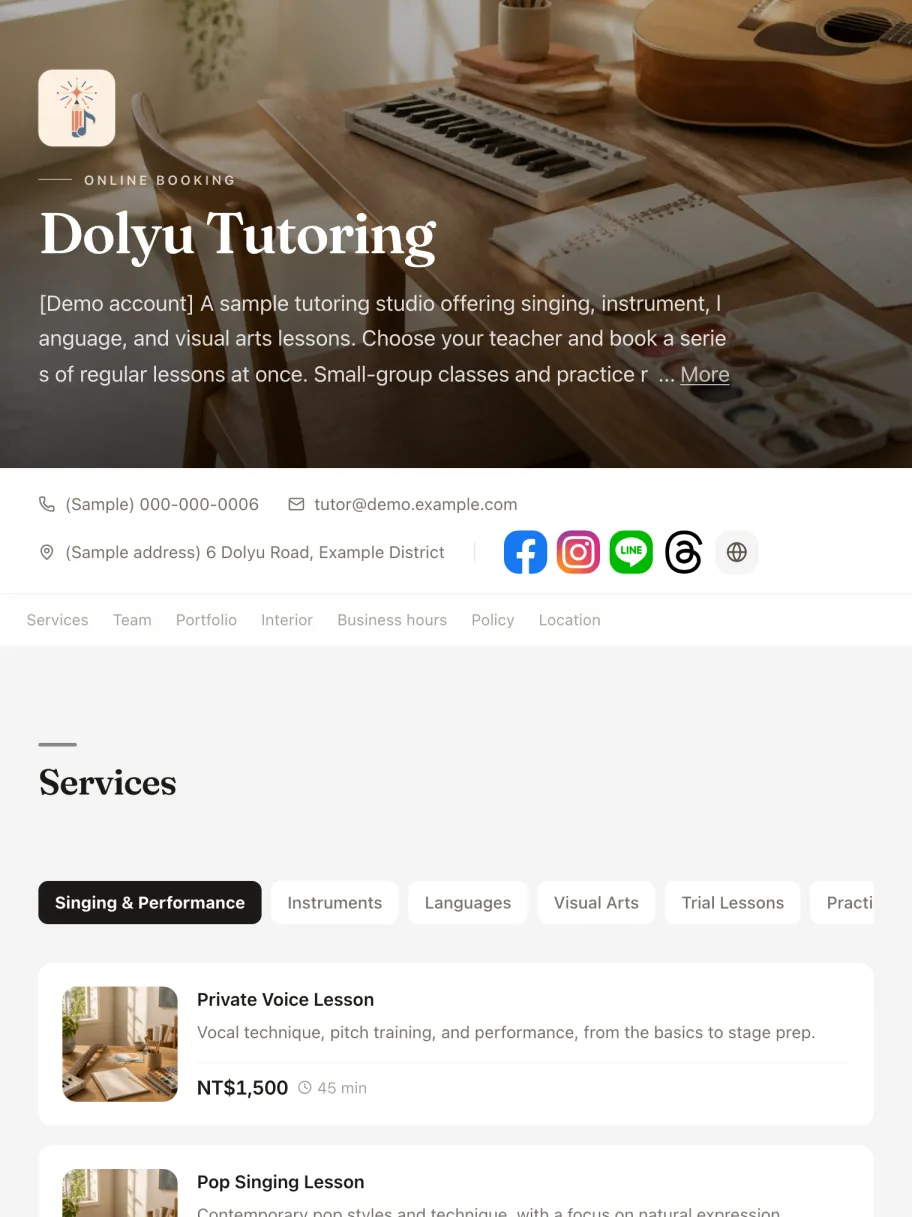
Try the “Music, language, and art lessons” demo business
The demo business comes with services, staff, business hours, and capacity already set up. Book as a customer on the booking page, then open the dashboard to see how bookings come in, how scheduling works, and how checkout is recorded. No sign-up needed.
02 Key features
Features designed for tutors and lesson teachers
-
01
Set up each lesson type separately
Trial lessons, regular lessons, and advanced courses each get their own name, duration, and price. Students choose when they book, without DM back-and-forth.
-
02
Batch multi-slot booking
When it’s turned on, students select several lesson times and submit them together. A run of lessons is booked at once, without repeating the booking each time.
-
03
LINE reminders and a final reminder
You set when the reminder and the final reminder go out. Fewer students forget lessons, and attendance stays steady.
-
04
Post-lesson notes & progress tracking
Record key learning points, homework, or lesson photos after each lesson. Review them in one tap before the next lesson and keep your teaching on track.
-
05
Booking & cancellation rules
Set your minimum notice, booking window, cancellation deadline, and reschedule limit so last-minute cancellations don’t waste your open slots.
-
06
A clear cap on small-group bookings
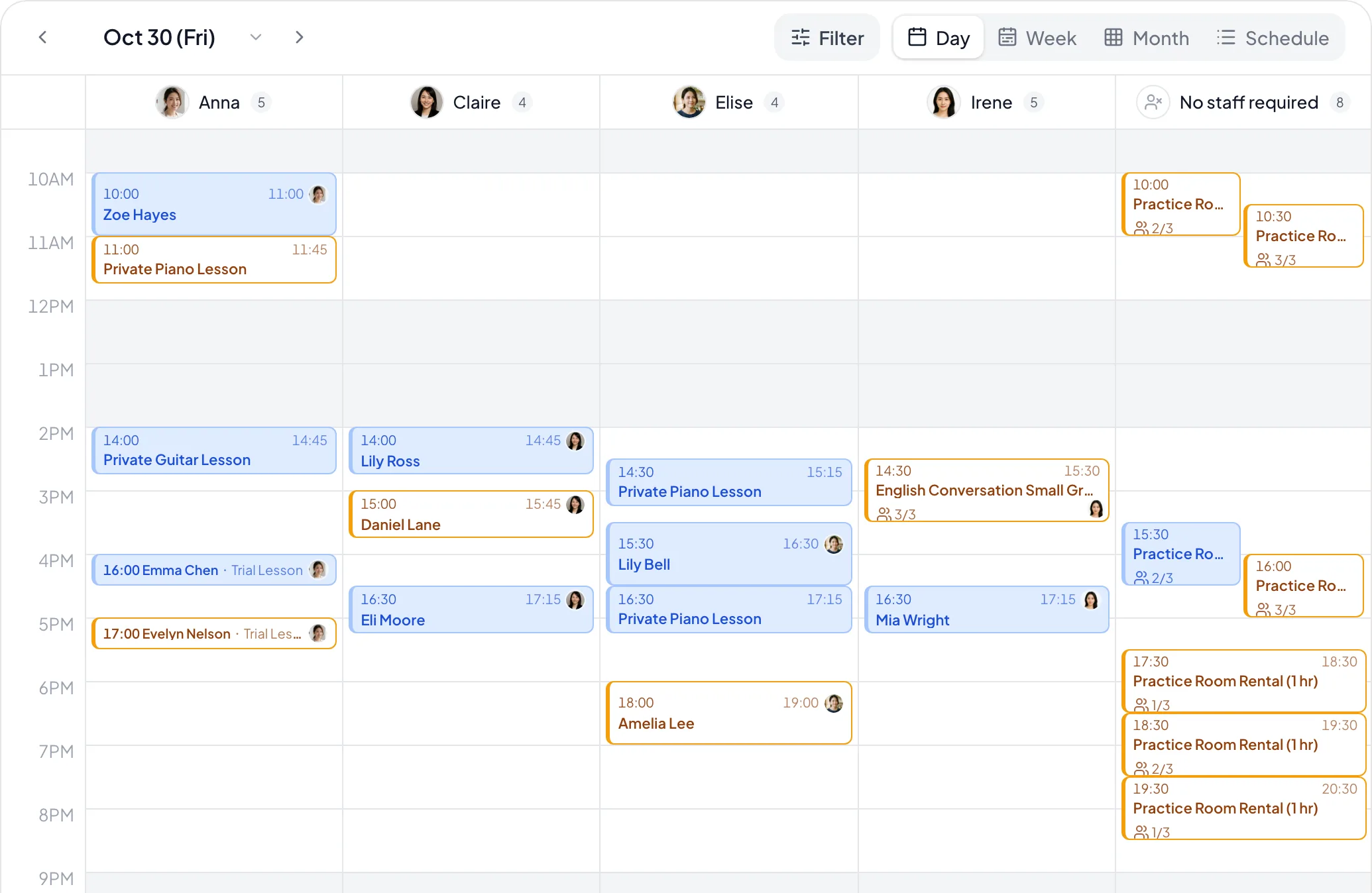
Each tutor can take a fixed number of bookings per slot — say, 3 groups at once. Bookings for the same class are totaled automatically, and the slot closes once it’s full, with no manual tallying.
-
07
Branded booking page
Your own link brings together lesson descriptions and your tutor profile. Share it on Instagram and your LINE Official Account, and students tap through to book.
03 Common scenarios
How tutors and lesson teachers use Dolyu
-
01
Language & academic tutoring
Manage trial and regular lessons separately for English, math, science, and more. Students book online on their own. Post-lesson notes track each student’s progress.
-
02
Music & arts instruction
Give piano, guitar, and drawing lessons their own pricing and schedules. Attach photos or video links after each lesson as a record of student work, and show the results to attract new students.
-
03
Tutoring studio
Each tutor manages their own hours and subjects. Students book with the tutor they choose, and the studio sees all scheduling and revenue in one place.
-
04
Small-group tutoring
A tutor takes up to 3 groups per time slot. Dolyu adds up sign-ups for you and closes the slot once it’s full.
04 FAQ
Questions about booking systems for tutors and lesson teachers
Have other questions? Email support@dolyu.com.
Yes. Each lesson type has its own name, duration, and price, such as a 30-minute trial and a 60-minute regular lesson. Students choose the one they want when they book.
No app to download. Students open your own booking link, pick a lesson type and a time slot, then sign in with LINE, Google, or an email verification code. With guest booking turned on, they can book by entering their contact details.
Dolyu sends LINE reminders, including a final reminder, at the times you set. That helps cut forgotten lessons and last-minute absences.
Use the notes field on each appointment to log key points and homework, or attach photos. Check them before the next lesson. Over time, they build a complete teaching history.
Yes. Set a cancellation deadline, such as 24 hours before the lesson. After the deadline, students can’t cancel on their own, which protects your time.
Each tutor sets their own hours and subjects. Students can book with a specific tutor, and studio managers see every tutor’s schedule and performance in one place.
Put it in your Instagram bio, LINE Official Account menu, Google Business Profile, business cards, or any web page. Students tap it and go straight to your branded booking page.
No. Dolyu is your own booking management tool and doesn’t match you with students. Your branded page, student data, and teaching records are yours to manage.
Yes. Turn on multi-slot bookings, and students can pick several lesson times in one booking (up to a limit you set) and submit them together. One submission books the whole run of lessons.
In the service settings, set a limit under “Bookings each staff member takes at once”, such as 3 groups, and select “Per booking”. Bookings for the same class add up automatically, and the slot closes once it’s full.
Explore by lesson type
Booking systems for tutors and lesson teachers, by type
05 More industries
Explore other industries

Vocal & Singing Lessons
Custom course types for classical voice, pop singing, children’s singing, and more, with self-booking and post-lesson vocal training notes

Music Lessons
Separate lesson types for piano, guitar, ukulele, and more, with self-booking and post-lesson practice notes

Dance Classes
Online class sign-up, automatic reminders that reduce absences, student records, and rebooking reminders, so dance teachers can focus on teaching
Language Tutoring
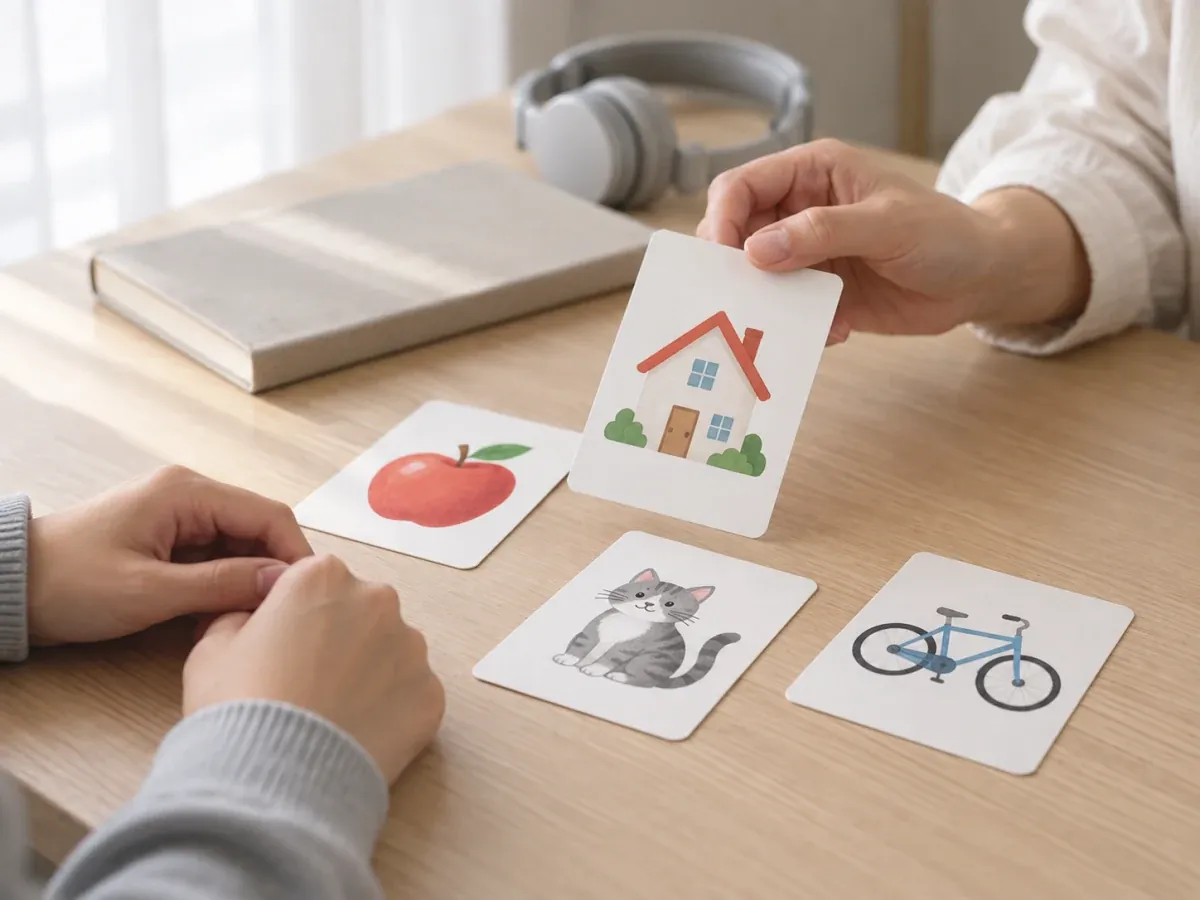
Custom course types for English, Japanese, French, and more, with self-booking, LINE lesson reminders, and post-lesson progress notes

Art & Craft Classes
Drawing, sketching, children’s art, and more — set up each lesson type your way, let students book themselves, and keep post-lesson learning notes

Yoga & Pilates
Student self-booking, automatic LINE reminders to cut no-shows, and student notes to review before class, so instructors can focus on lesson prep
Resources
Explore more
- Class & group booking Per-class capacity, student rosters, shared rooms, and per-person pricing
- Booking system buying guide 6 criteria for choosing the right booking system
- LINE integration One-click rich menu deployment and a range of automated notifications
- Pricing & plans US$15 per member per month, all features, billed monthly, no contract
- Free price list generator Create a service price list online and download it in high resolution
Get started
Start using Dolyu for tutors and lesson teachers
Customers book on their own and notifications go out based on your settings, so you can get back to your work.
- US$15 per member per month, no per-feature fees
- 14-day free trial, no credit card required
- Billed monthly, no contract